Create a user account
Create a user account
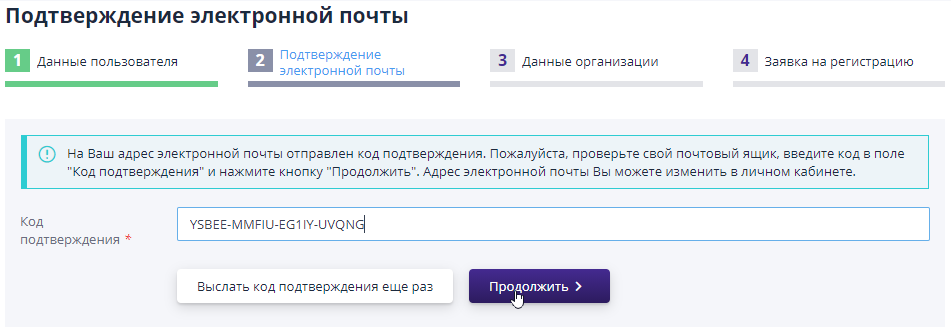
At this registration step, you must enter user data for the name which a personal account will be created in the system.Required for The fields on the site pages are marked with the symbol “*”.
When all required data has been entered and specified correctly, then save the data and proceed to the next step of filling out the application for registration, click on the “Continue” button:
User account activation (mail confirmation)
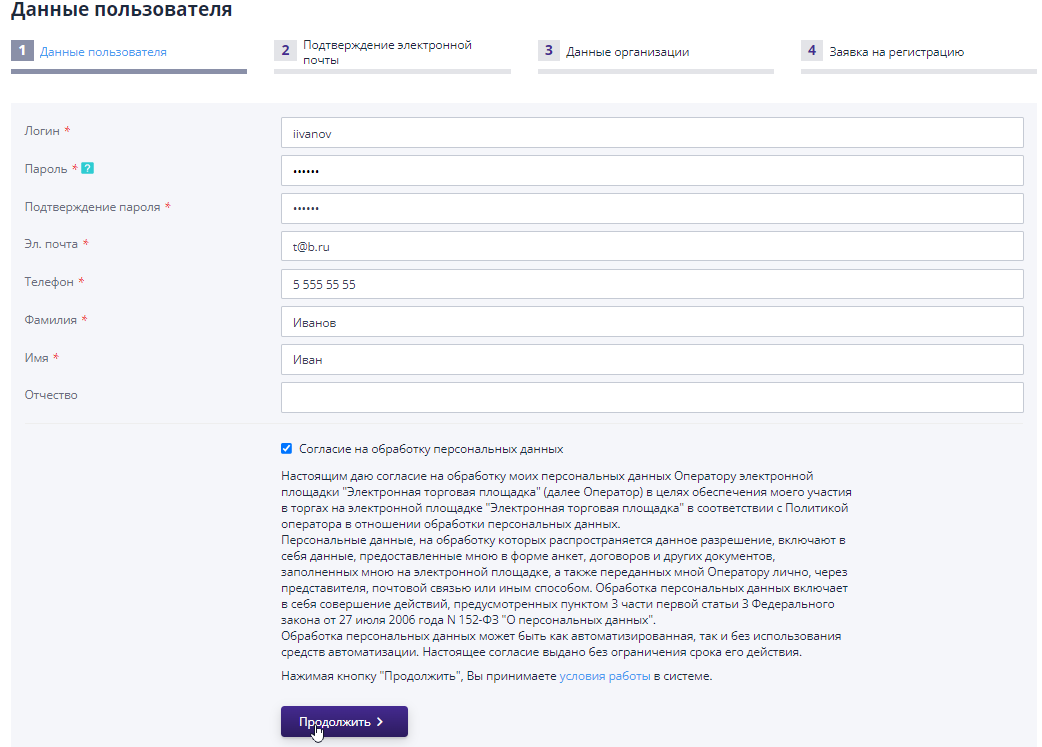
To the email address specified when creating your account, a “verification code” is sent.To confirm your email, you must enter the received code in the appropriate field and click the button "Continue":
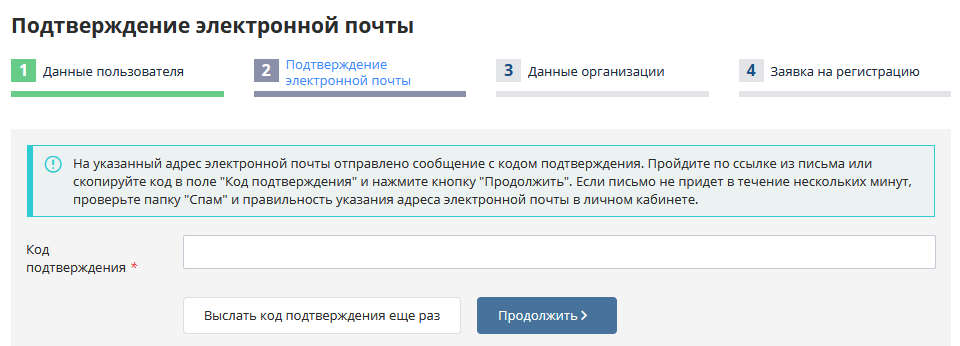
IMPORTANT! You should pay attention to the absence of extra spaces when copying the confirmation code from the letter.
If you haven’t received the code, you can try using the “Send” button confirmation code again".In this case, a confirmation letter mail will be resent.
If the code did not arrive a second time, it is recommended to check the correctness of the specified email address and, if necessary, change it.To do this you will need to complete the following steps:
-
Log in to your personal account on the site;
-
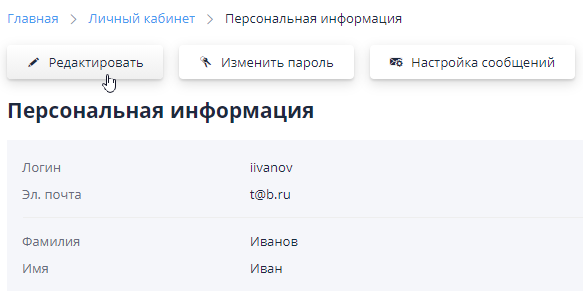
In the top right menu, go to the “Personal Information” section;

-
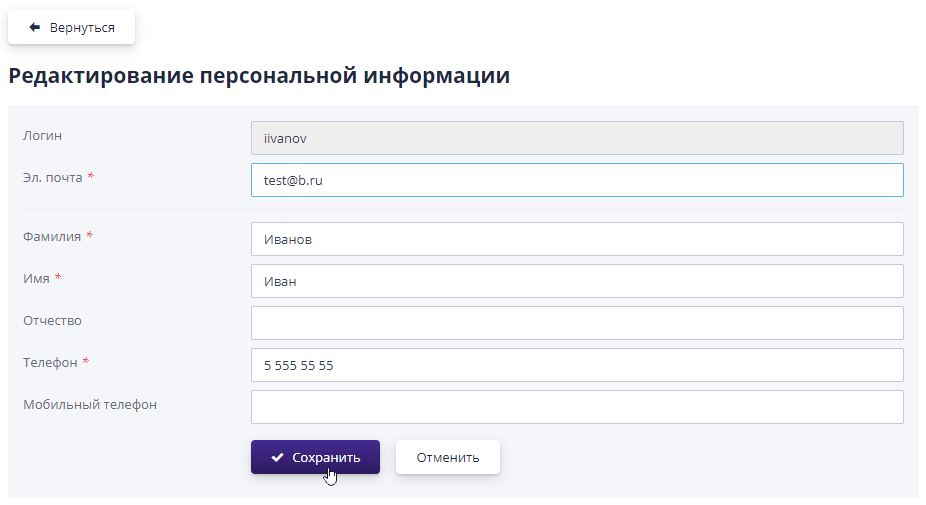
Click on the “Edit” button;
-
Change your email and click "Save";
-
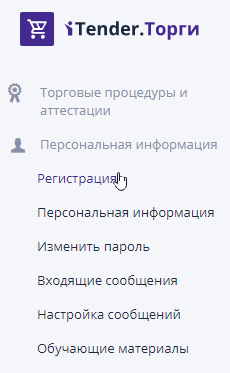
Follow the “Registration” link in the left side menu;
-
Click the “Send confirmation code again” button;
-
Enter the confirmation code sent to your new email, then click “Continue” to save the data and move to the next step registration.