Changes to organization data
Creating a request to change organization data
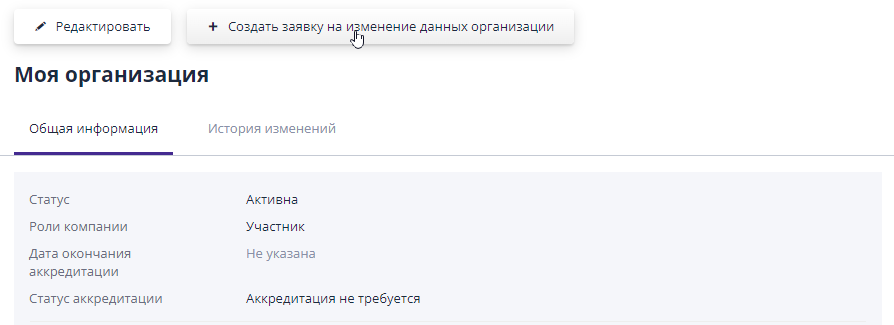
To change general company information or upload new documents to an employee with the role “Company Administrator” on the “My” page organization" the button "Create a request to change data" is available organization", by clicking on which the user is taken to the page editing a request to change data:
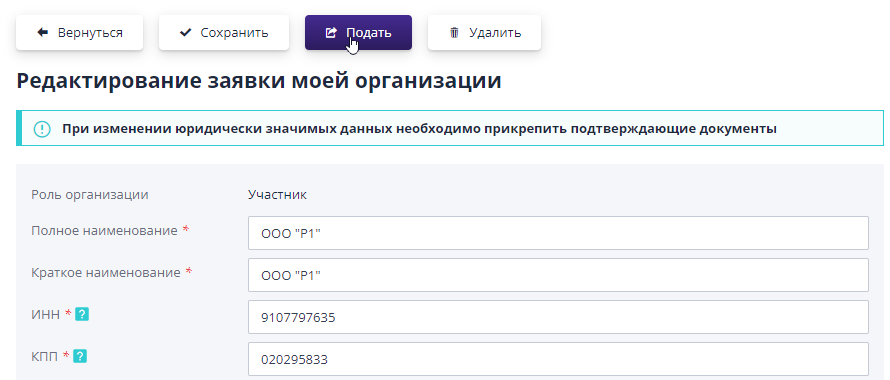
Here you can edit all fields of the organization, including legal information, contact details and documents of the organization.When changing legally significant data, supporting evidence must be attached documents.In the “Comment” field you can write what data you changed so that the operator can quickly check your application.When everything fields are filled in, click on the "Save" button.To send an application to change data for consideration by the operator should click on button "Submit".
Changes will take effect only after the application is approved by the operator.
You can view all applications from your company in the application journal operator.The journal is available to a user with the “Administrator” role company."
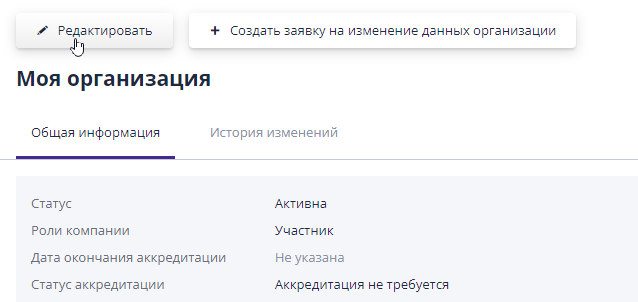
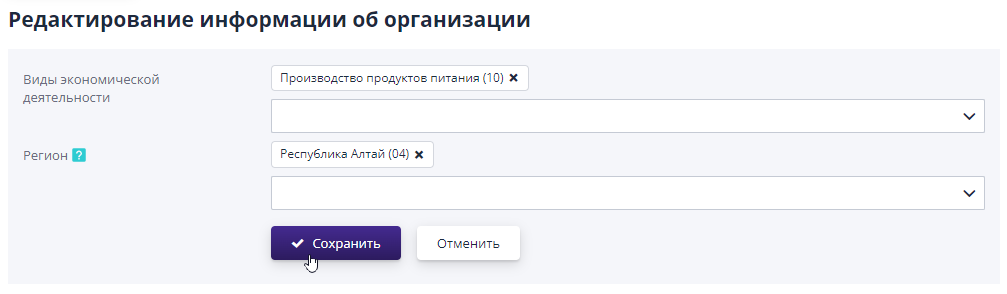
You can edit views on the “My Organization” page economic activity and region of the company.To do this, the user you should click on the “Edit” button:
On the page that opens, you must specify the current data and save changes:
Section “Log of requests to the site operator”
The list of requests from the company is displayed in the log of requests to the operator sites.To go to the magazine you need to go to the left side menu in In the “My Organization” section, select the “Operator Application Log” item:
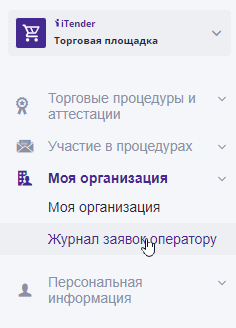
The journal is available to a user with the “Company Administrator” role.
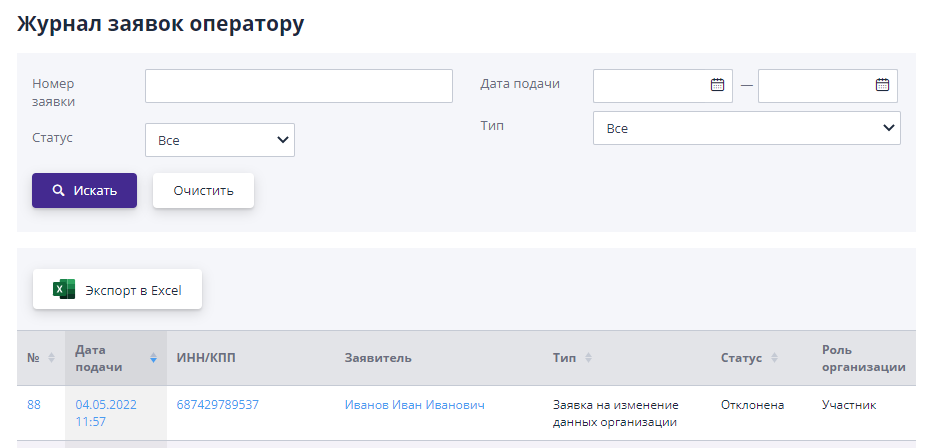
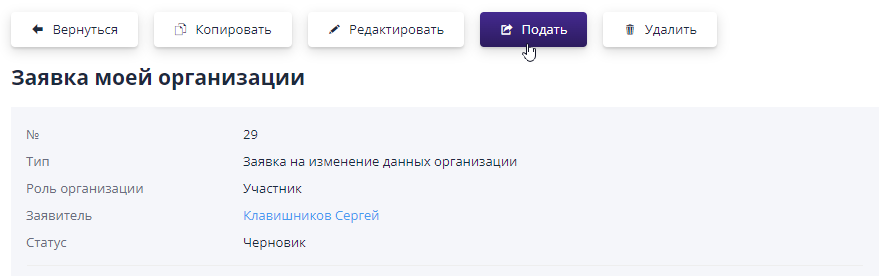
To go to view the application, you must click on the link in the issue applications.
If the application is in the “Draft” status, then it can be edited, submit or delete using the appropriate buttons: