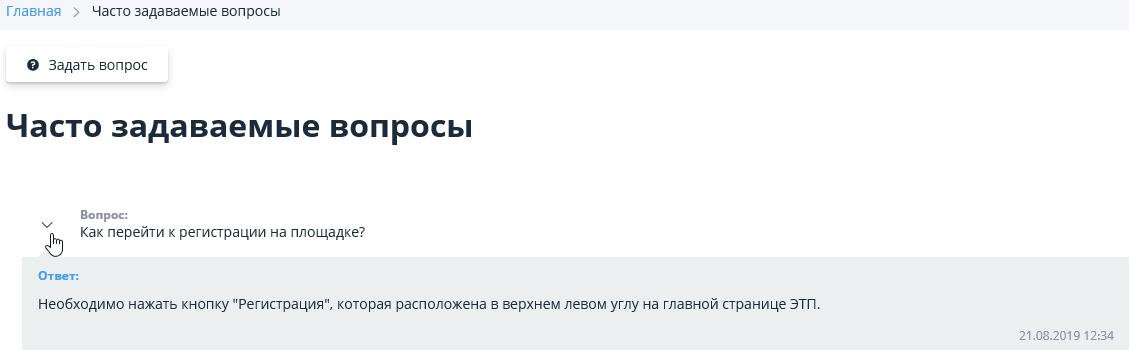
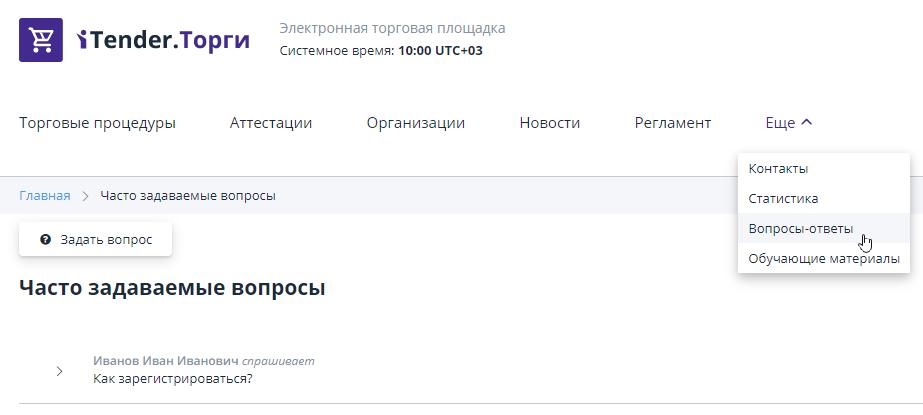
Section “Questions and answers”
In this section you can find frequently asked questions and answers to them, you can also ask your own question:
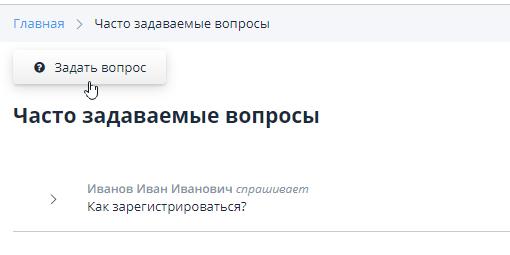
To create your own question, click on the “Ask a Question” button:
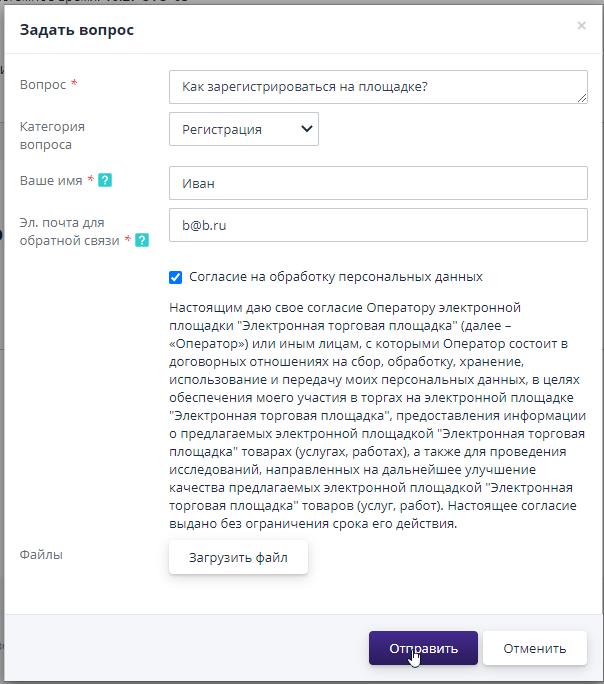
Next, in the form for creating a question, you must fill in the required fields: question, name, email for feedback, select the category of the question and click the "Submit" button:
The created question will be sent to the site operator.The answer will be sent to you at the email address specified in the form for creating a question.If the question and answer will be useful to other ETP users, the operator can publish the question and answer in the public part: