Section “Trading procedures”
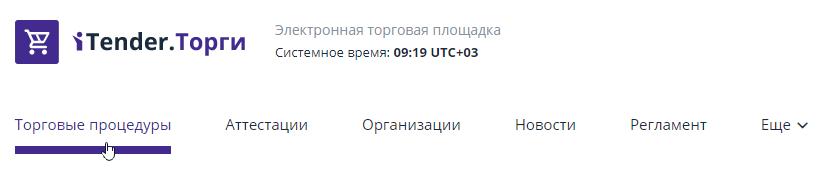
This section contains a list of auctions held on the site.To view the section, you must use the “Trading Procedures” tab on the main page of the ETP:
Search filters are used to search for specific trades.You can get a list of tenders based on criteria such as: lot status, method of conducting, name and number of the lot or procedure, types of economic activity and types of objects or projects for which tenders are held.To do this, you need to fill in the known search criteria and click the "Search" button:
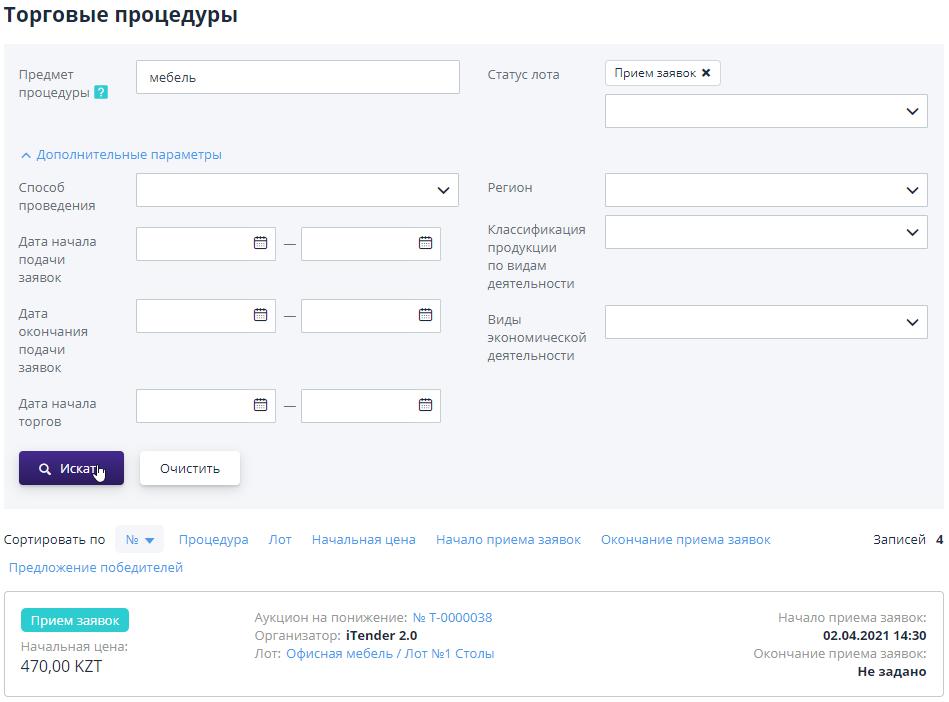
In order to clear the search filters, click on the “Clear” button.
Working with search results:
-
To view information about the procedure, you must use the link in the procedure number;
-
To view information about the lot, you must use the link in the “Lot” line;
-
To change the sorting of search results, click on the column header of the results table.An icon will appear in the column indicating the sort order;
-
To specify additional search parameters, click on the “Advanced parameters” item.
A lot can have the following statuses:
-
Notice published – the notice is posted on the site, the start date and time for accepting applications has not arrived;
-
Acceptance of applications – acceptance of applications for participation in the procedure is open, participants can submit applications for participation, as well as withdraw already submitted applications for the lot;
-
Determination of bidders – the organizer considers bids from participants;
-
Trading in progress – according to the procedure, the trading session has begun;
-
Summing up – the bidding in the procedure is over, the organizer makes a decision on selecting the winners or on continuing the bidding in the procedure by rebidding;
-
Completed – the procedure is completed, the winner is selected;
-
Cancelled – the procedure was canceled by the organizer.
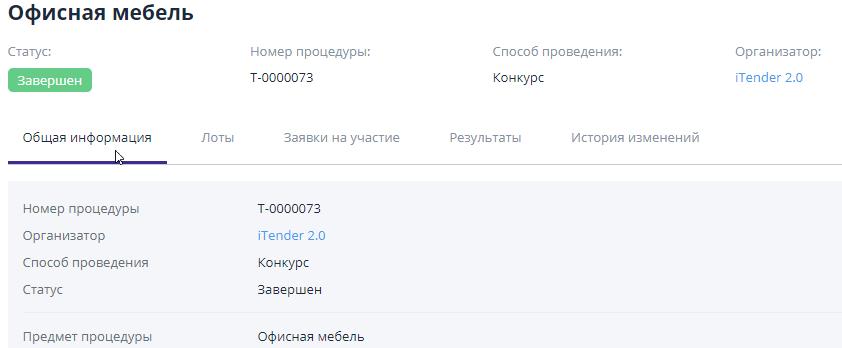
To view detailed information about the procedure, you must go to the procedure page using the link with the procedure number:

The information inside the procedure is divided into subsections:
-
General information – this section contains all the key information on the procedure;
-
Lots – this section contains a list of all lots for this procedure.Based on the results of the auction, there may be different winners in the lots;
-
Applications for participation – the section provides information about organizations that have submitted applications to participate in the procedure;
-
Results – this section displays the winners for all lots of the procedure.The winners are determined by the auction organizer; when publishing the results, he attaches the “Protocol of Summing Up”;
-
History of changes – in this section you can track the history of changes in key statuses (stages) of the procedure.
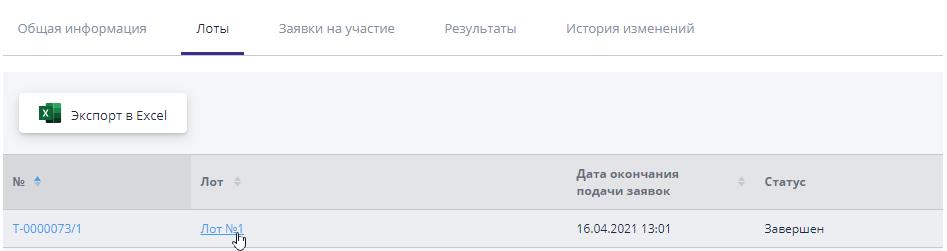
To obtain detailed information on the lot, you must follow the link in the “No.” or “Lot” columns:
On the page that opens, you can familiarize yourself with all the information provided by the organizer and make a decision about participating in the procedure.To apply for participation, you must be a registered and authorized user (the process is described in the ETP registration guide).