Conducting an auction without submitting bids
Working with an auction without submitting applications is similar to working with other trading procedures and is described in the “Conducting new trading” section of this manual.
An auction is understood as a form of a trading procedure, the winner of which is the person who offered the best price for the execution of the specified contract by changing the initial price of the contract specified in the notice by the amount established in the trade documentation (auction step).Submission of price proposals by auction participants can be made multiple times.
In a simplified auction, there is no bid acceptance stage.After the start date and time of trading, the auction trading session begins.During the trading session, participants can decide to participate in a single lot or in all auction lots.As a result, an application for participation from the participant’s company will be automatically created and accepted in the system.
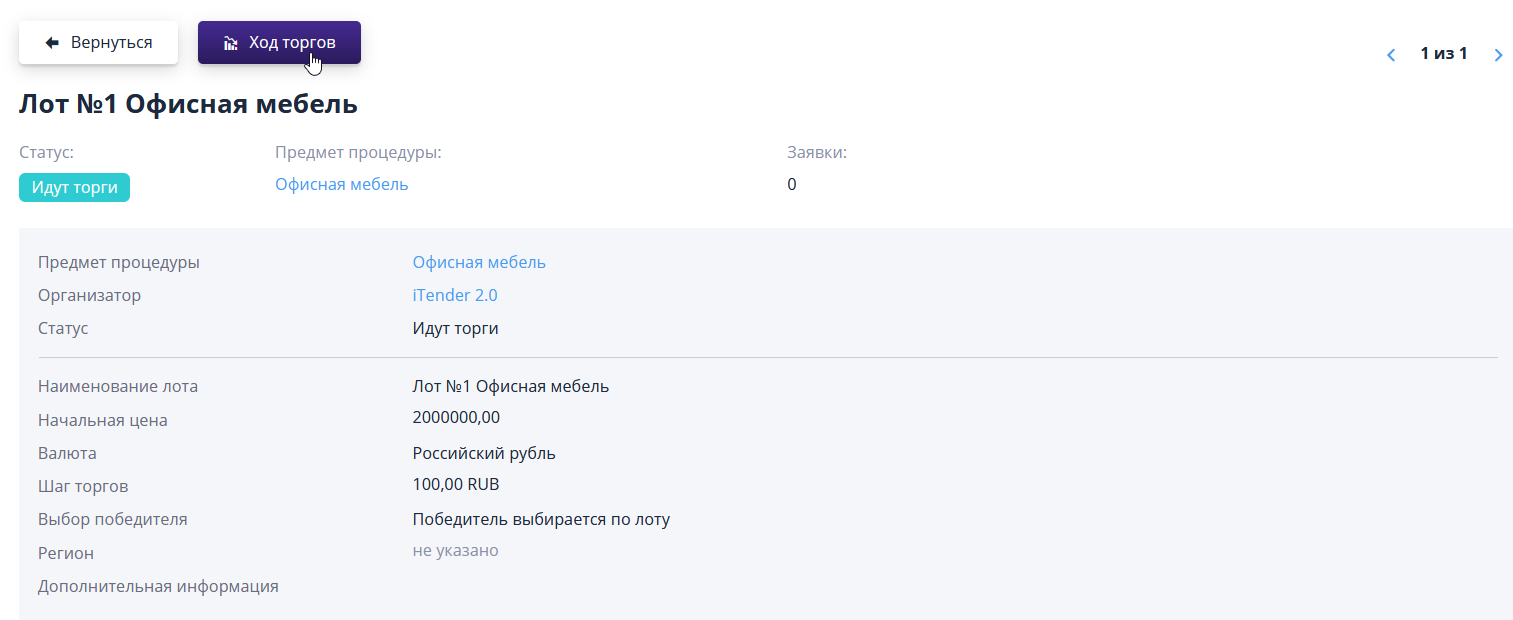
To view the bids made by participants, the organizer can go to the trading session page using the “Trading progress” button on the lot page.
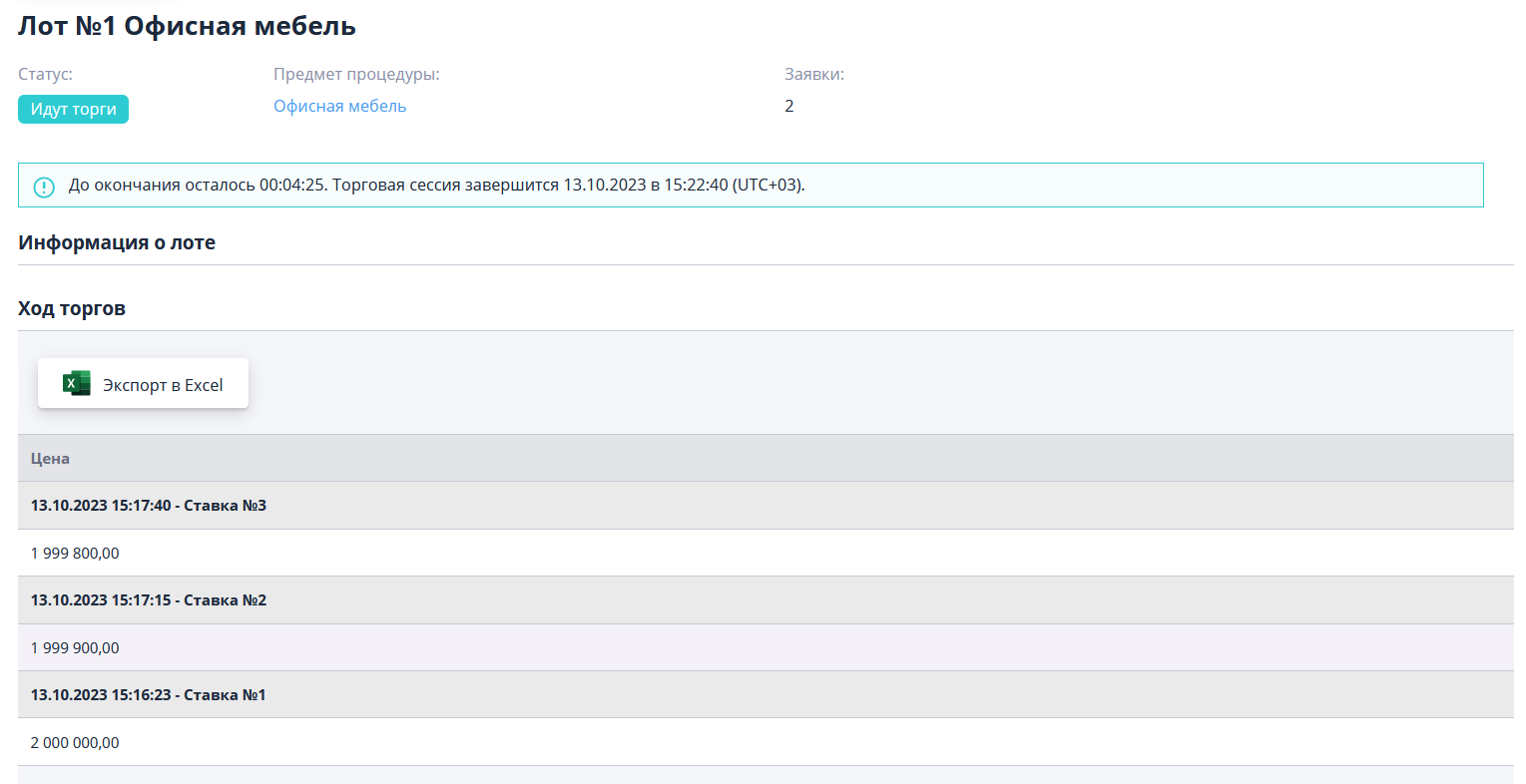
On the bidding progress page, participants submit their price proposals.All received offers are anonymously visible in the “Trade progress” block.The page also displays information about the time until the end of the trading session.
At the end of the trading session, the lot moves from the “Trading in progress” status to the “Summing up” status.