Publication of trading results
After completing the ranking of participants' proposals On the summary page you should create a final protocol:
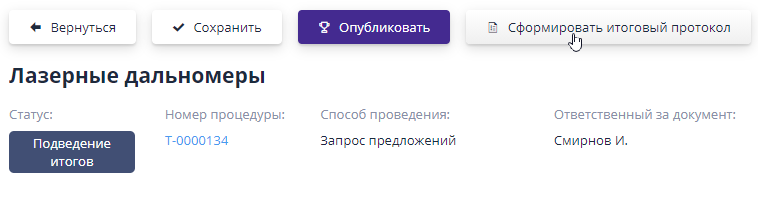
The generated file will be added to the “Documents” block. If you need to make changes to the results after adding the final protocol, then the protocol must be generated again.
If the system has signature functionality enabled, the final protocol file will need to be signed.The process of signing the final protocol is similar to the process of signing documents of a trading procedure and is described in the section “Carrying out procedures”, item “Signature of a published procedure”.
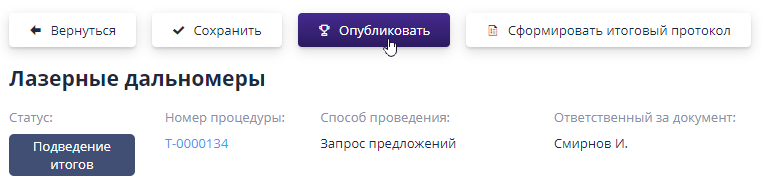
To complete the auction and publish the results, you must click “Publish”:
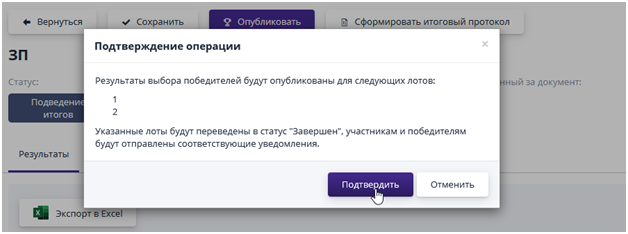
If the system has signature functionality enabled, then the published results will need to be signed.To confirm the signature, the user should click on the "Confirm" button, and to cancel the operation - "Cancel":
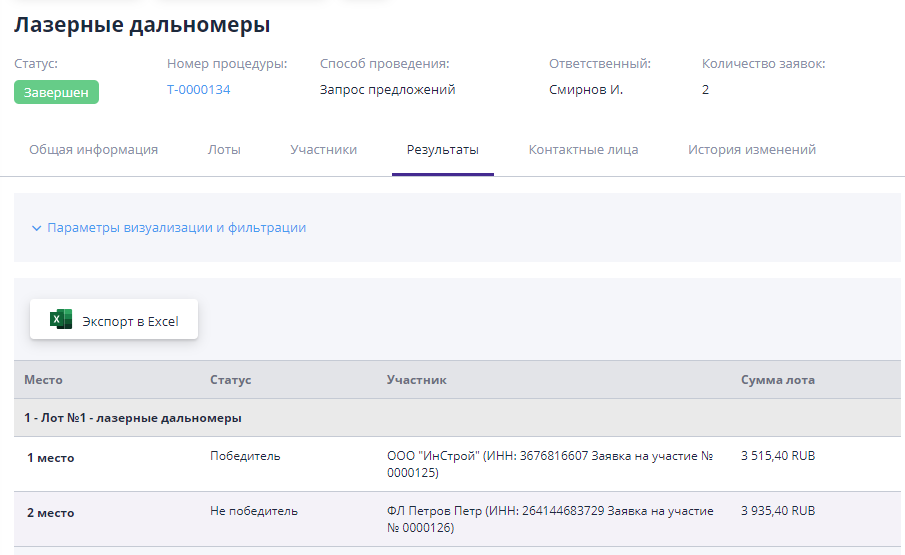
The procedure will change to the “Completed” status.The trading results will be displayed on the “Results” tab:
The procedure is completed.