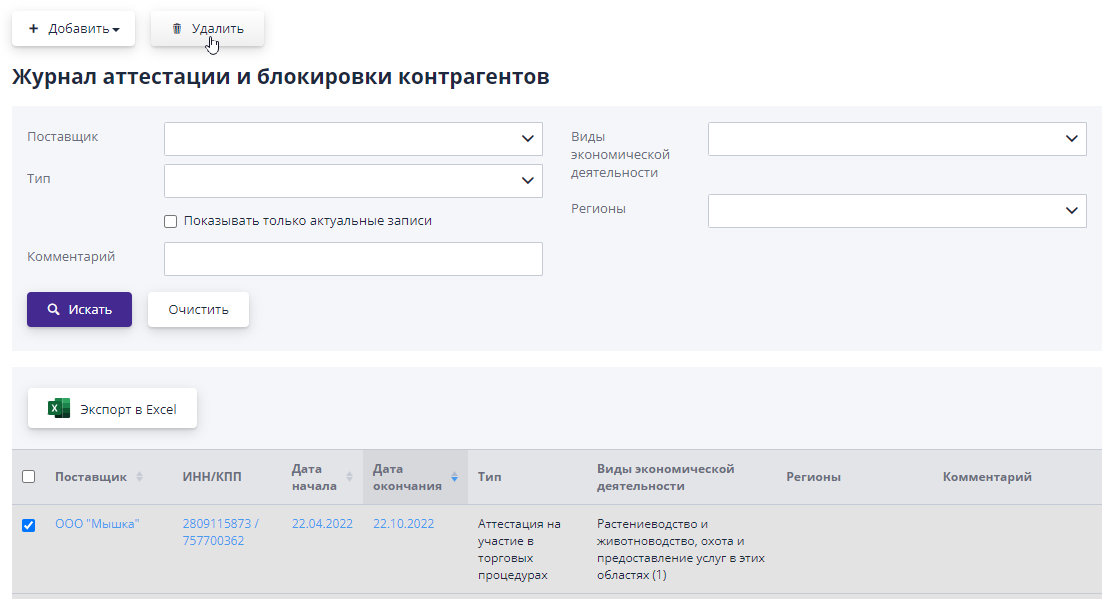
Journal of certification and blocking of counterparties
To view a list of all certifications and blockings of participant organizations You must select the item in the “Organization of trading procedures” section “Journal of certification and blocking of counterparties.”
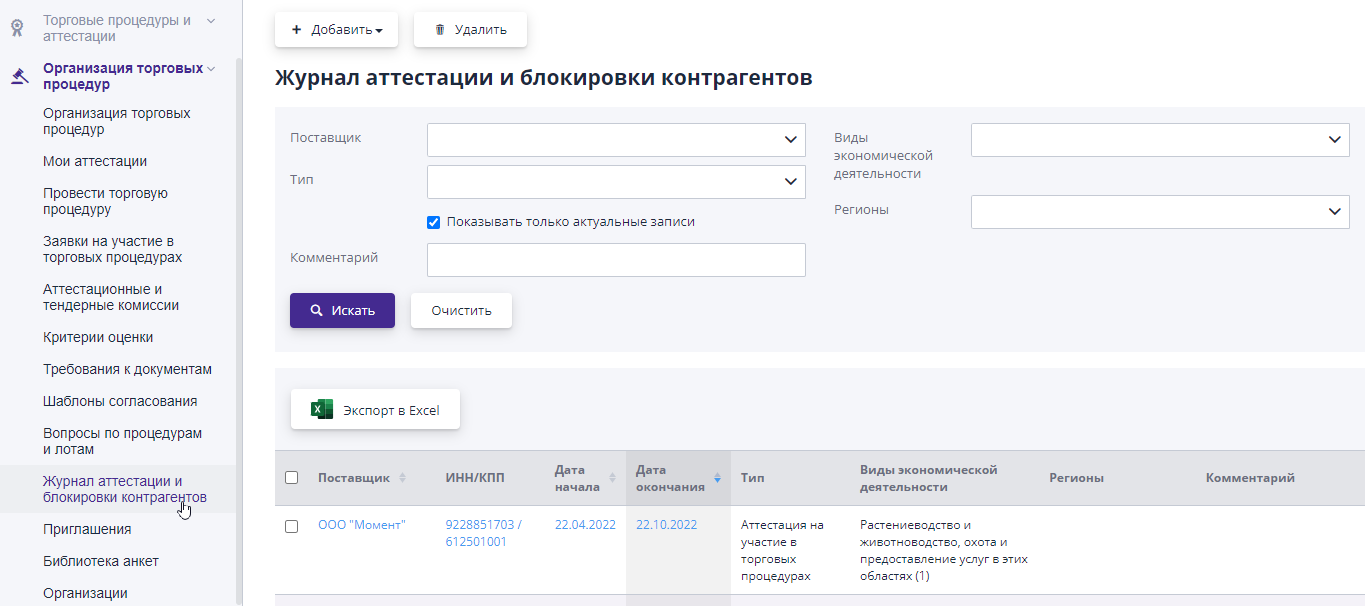
After the organizer has accepted the application for certification of the participant, in this a corresponding entry appears in the log.The record indicates the presence of bidder certification for certain types of activities in the auction, with the specified period of validity of this certification.
If the system has the blocking functionality enabled and the company for any reason reasons was added by the organizer to black list, this information will also be displayed in the log certifications and blockings.
To search for records, you can use filters by specifying all the necessary information and clicking on the “Search” button.To view Only current records should be checked “Show” only current records."
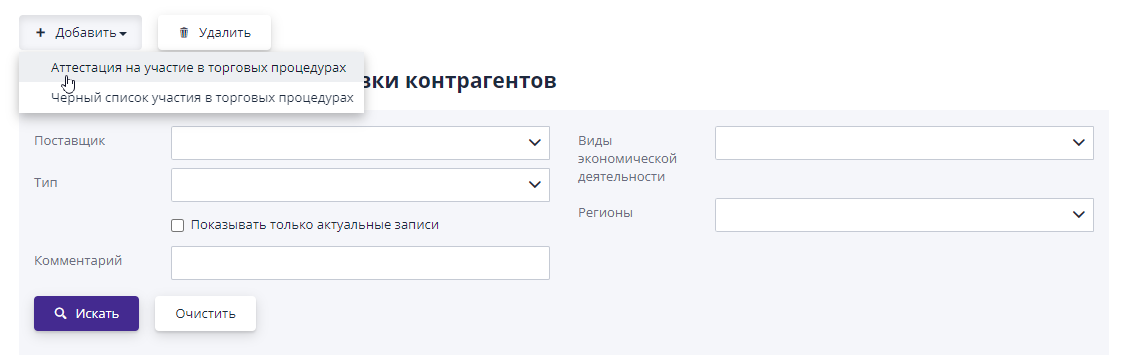
To add a new certification, click on the “Add” button and select “Certification for participation in trade procedures”:
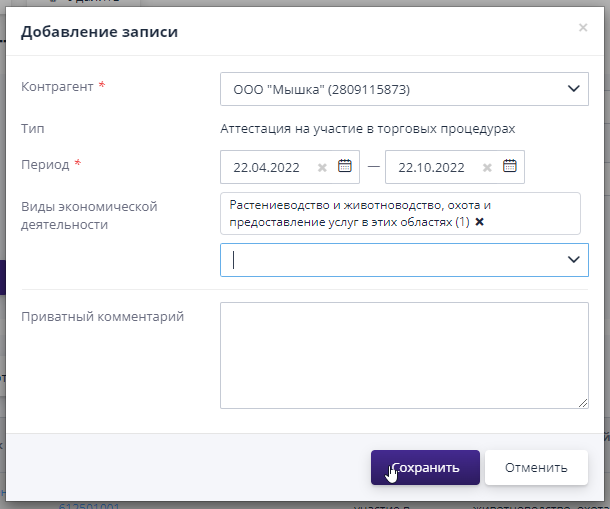
In the window that opens, you should indicate the counterparty, certification period, type economic activity and click on the "Save" button:
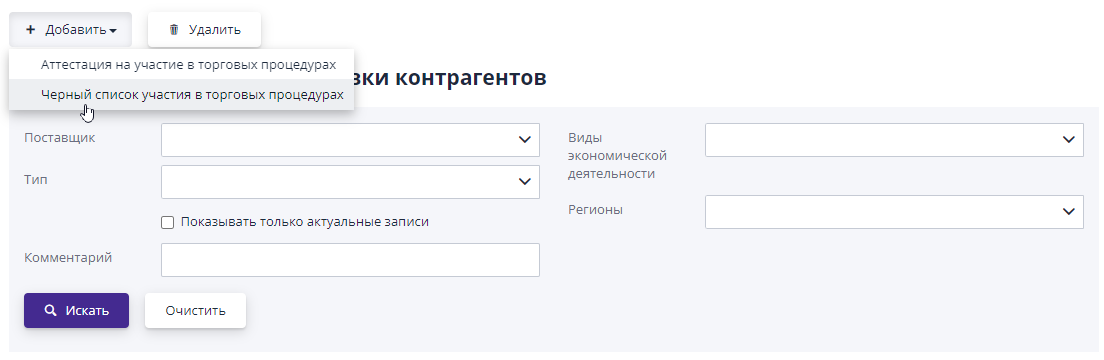
To add an organization to the blacklist, click the button “Add” and select “Black list of participation in trading procedures”:
In the window that opens, specify the counterparty, period, region and click to the "Save" button:
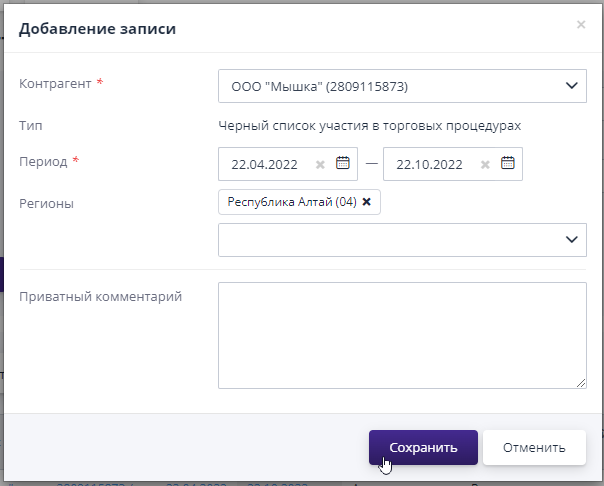
A current entry in this journal indicating one or more regions means that the counterparty cannot participate in trading procedures for the specified regions.If the region is not specified, then the counterparty cannot participate in procedures in all regions.
To change the attestation period for a selected participant or period inclusion in the blacklist, you must follow the link in the “Date” column Start" or "End Date".
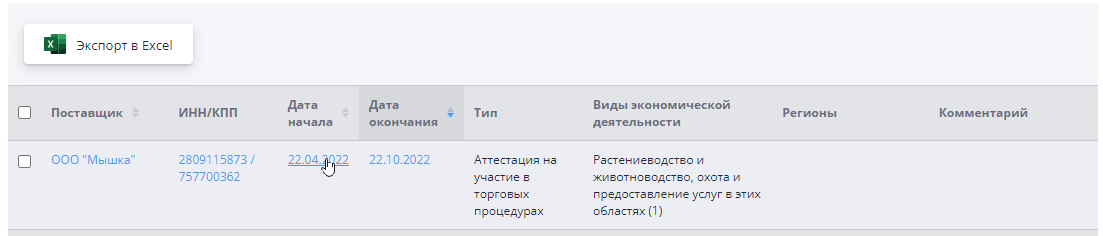
In the window that opens, make changes and click on the button "Save".
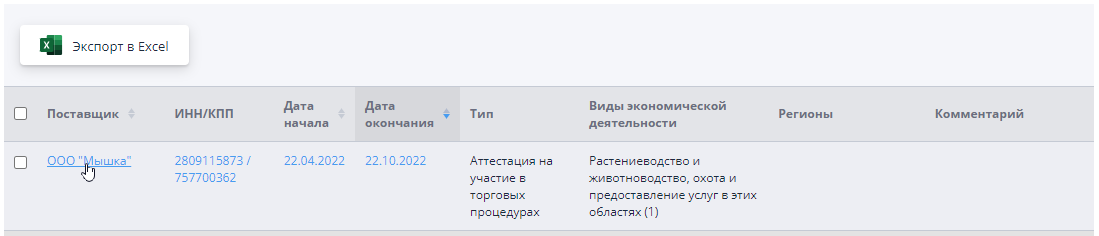
To go to the company card, you must use the link in its name or link in the “TIN\KPP” column:
To delete an entry from the journal, check the box the corresponding entry and click on the “Delete” button: